Ask a developer to pick a database for a new project with any ambition, and a lot of them say Postgres without blinking. It’s strict where you want strictness, flexible where you need JSON, and it grows extensions that turn it into a geospatial engine or an AI vector store without ever leaving SQL.
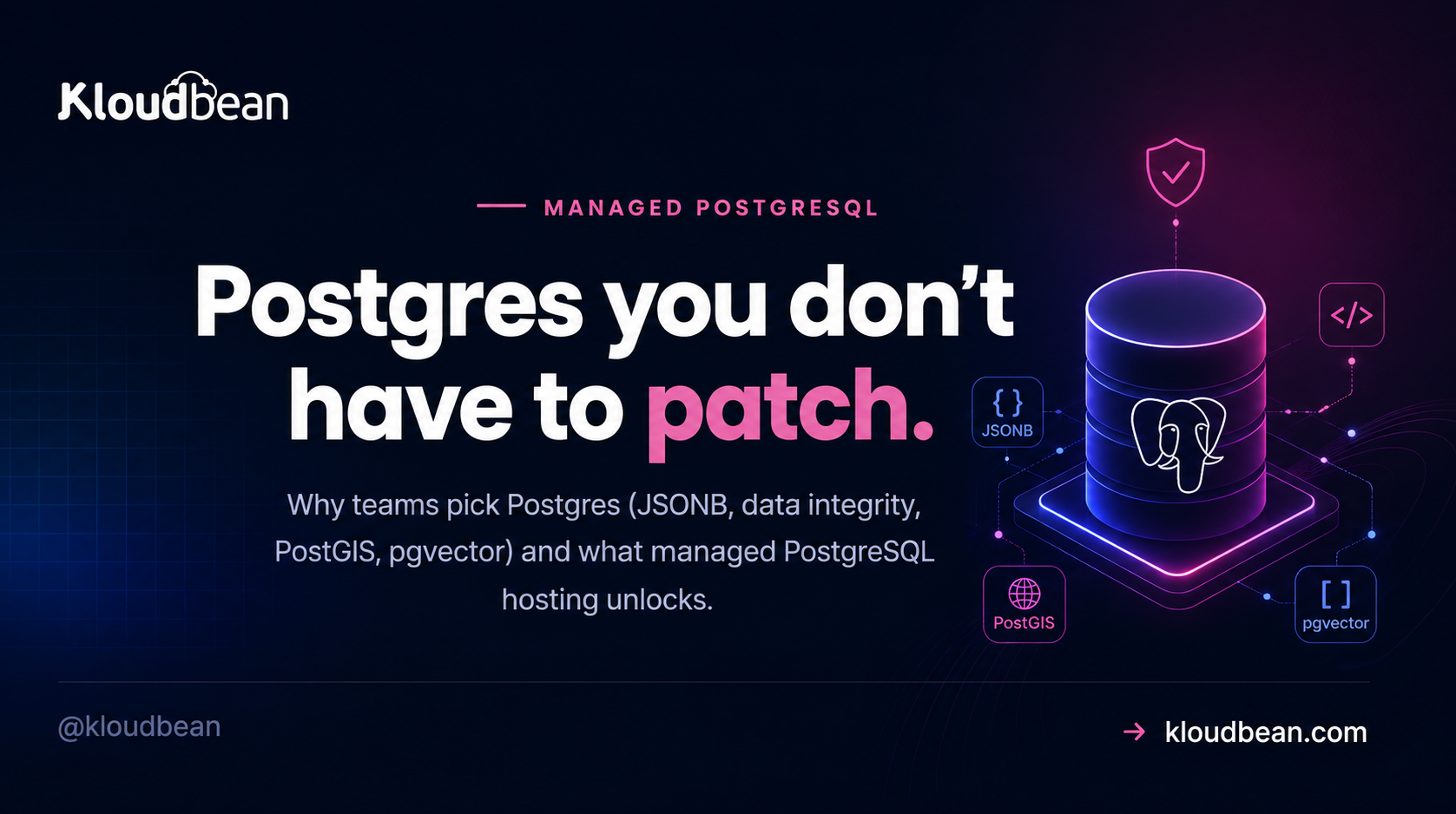
Managed PostgreSQL hosting takes that same open-source engine and runs the tedious part for you: patching, automatic backups, monitoring, a VPC enabled, and a connection string you drop into an env var. This is why Postgres earns the love, and what managed adds on top of a database that’s already free.
Postgres is the strong default for a new app that expects to grow, thanks to JSONB, strict data integrity, and extensions like PostGIS and pgvector. The engine is free and open source. Managed PostgreSQL hosting is you paying for the server and the operation around it: patching, backups, monitoring, connection handling, and keeping the database off the public internet.
Why developers reach for Postgres
Postgres has a reputation for correctness, and it earns it. It enforces constraints properly, handles transactions the way you’d hope even when things go sideways, and runs schema changes inside a transaction so a failed migration rolls back cleanly instead of leaving your tables half-changed. That last detail alone has saved more late-night deploys than I can count.
On top of that discipline sits a genuinely rich type system: real booleans, arrays, ranges, precise numerics, and first-class JSON. You get relational rigor and document flexibility in the same engine, which is a rare combination.
Here’s my actual position, not a hedge: for a brand-new app with no legacy constraint pulling you elsewhere, start on Postgres. It scales with your ambitions instead of fighting them. MySQL is a perfectly good default too, especially for WordPress and the wider PHP world, and if that’s your stack you’re in fine company. The full side-by-side is MySQL vs PostgreSQL. But for a fresh, ambitious codebase, Postgres is the one I’d reach for.
JSONB: a document store hiding in your relational database
One of the quiet superpowers is jsonb, a binary JSON column type you can index and query like any other data. It lets you keep flexible, schema-less attributes right next to your strict relational columns, so you don’t have to bolt on a separate document database for the messy bits.
-- store flexible attributes without a schema migration every time
CREATE TABLE product (
  id     bigserial PRIMARY KEY,
  sku    text NOT NULL,
  attrs  jsonb NOT NULL DEFAULT '{}'
);

-- index the JSON so lookups stay fast as the table grows
CREATE INDEX product_attrs_gin ON product USING gin (attrs);

-- query inside the JSON as if it were a column
SELECT sku FROM product WHERE attrs ->> 'color' = 'blue';
That GIN index is the part people skip, and then they wonder why JSON queries crawl on a big table. Index the JSON and it stays quick. One honest caveat: don’t put everything in jsonb. Columns you filter and join on constantly still deserve to be real columns with real constraints. JSONB is for the genuinely variable stuff, not an excuse to skip schema design.
Extensions turn Postgres into more than a database
The extension ecosystem is the real reason Postgres punches above a plain relational database. A few that matter:
- PostGIS makes Postgres a serious geospatial engine. Store coordinates and shapes, ask for everything within 5km of a point, and let the database do the distance math. It’s the backbone of countless mapping and delivery apps.
- pgvector stores the embedding vectors that power semantic search and retrieval-augmented generation. This is a big part of why so many AI apps land on Postgres: your application data and your embeddings live in one database instead of two.
- Full-text search is built in, no extension required, so a lot of apps never need a separate search service until they’re genuinely large.
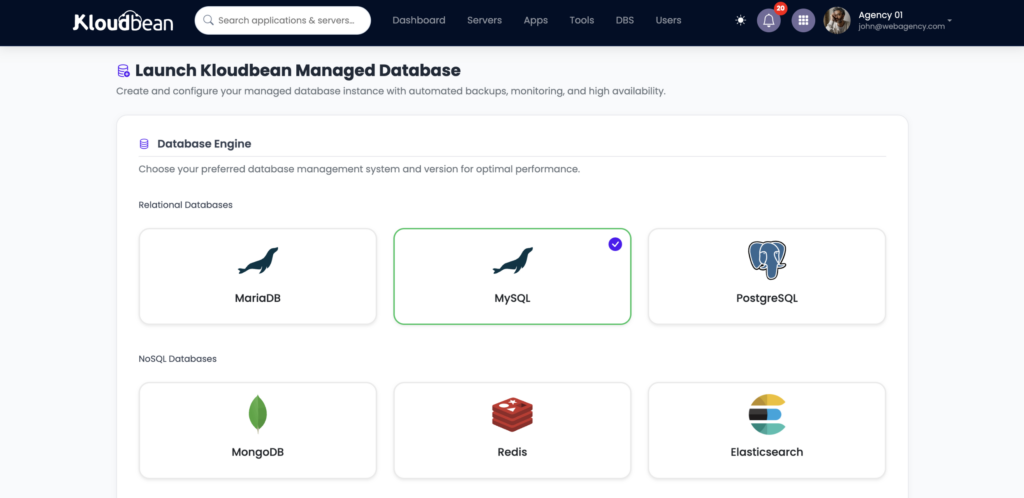
Managed PostgreSQL services enable a curated set of the popular extensions. If your project leans on a specific one, confirm it’s available before you commit, but the mainstream names are widely supported. Postgres is one of six managed engines on Kloudbean, alongside MySQL, MariaDB, Redis, Elasticsearch, and MongoDB.
Is PostgreSQL free? Then what does managed cost?
Yes, and this genuinely confuses people, so let’s separate the two questions. The PostgreSQL software is free and open source. No license fee, forever. What you pay for with managed hosting isn’t the engine. It’s the always-on server it runs on, plus the operation around it: patching, automatic backups, monitoring, and keeping it reachable and safe. So “is Postgres free?” and “is managed Postgres hosting free?” have different answers, and both are honest. The engine costs nothing; having it run reliably without you is the paid part.
Postgres connections are heavier than you’d think
This is the one Postgres gotcha worth learning before it bites. Every Postgres connection is backed by its own server-side process, and each one carries real memory overhead. So there’s a hard ceiling, set by max_connections, on how many you can hold at once. Cross it and you get:
FATAL: sorry, too many clients alreadyYou hit this when a lot of app instances (or a serverless setup that opens a fresh connection per request) all reach for the database at the same time. The standard answer is a connection pooler such as PgBouncer, which keeps a small pool of real Postgres connections and lets many app connections share them. Treat pooling as good practice, especially for high-concurrency or serverless apps. One nice thing about running your app on an always-on server, the model Kloudbean uses, is that it reuses a connection pool naturally, which is far gentler on Postgres than the serverless connection storm. The how to add a managed database guide shows the app-side wiring in detail.
A connection string, kept off the public internet
Your app connects with a Postgres connection string, stored as an environment variable so credentials never touch your source or your Git history:
# Postgres connection string, set as an env var (not in code)
DATABASE_URL=postgresql://appuser:[email protected]:5432/appdb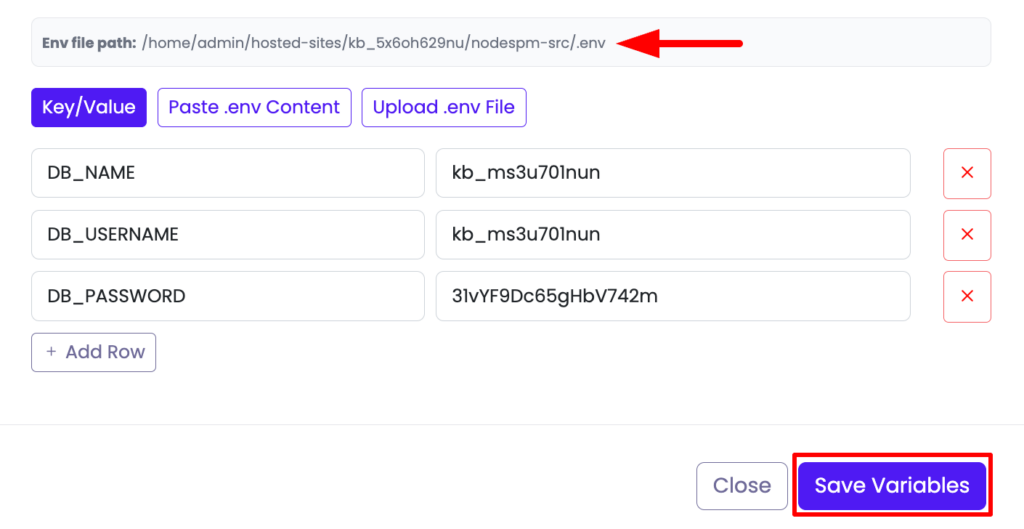
On Kloudbean the database lives on a private network (VPC), reachable by your app internally rather than open to the internet. Give the app a least-privilege user, keep .env out of Git, and you’ve covered the security basics that actually get people breached. Worth knowing what this replaces: on a self-managed server the same question is answered by hand in pg_hba.conf, a file whose first matching rule wins and whose later rules are never read, which is why so many people spend an afternoon on a rule that was unreachable.
How managed Postgres scales
Two directions, and the order matters. First you scale up: move to an instance with more CPU, RAM, and storage. That’s a resize, not a rebuild, and it carries most apps a very long way. Only when reads become the real bottleneck do you look at spreading them across read replicas, copies that serve read queries while writes stay on the primary. That’s a general scaling concept worth understanding early, and it’s covered in database read replicas and scaling. Before any of that, though, caching your hottest reads in managed Redis is usually the cheapest win, because the query that never reaches Postgres is the fastest one.
Migrating Postgres in (Supabase, Neon, RDS)
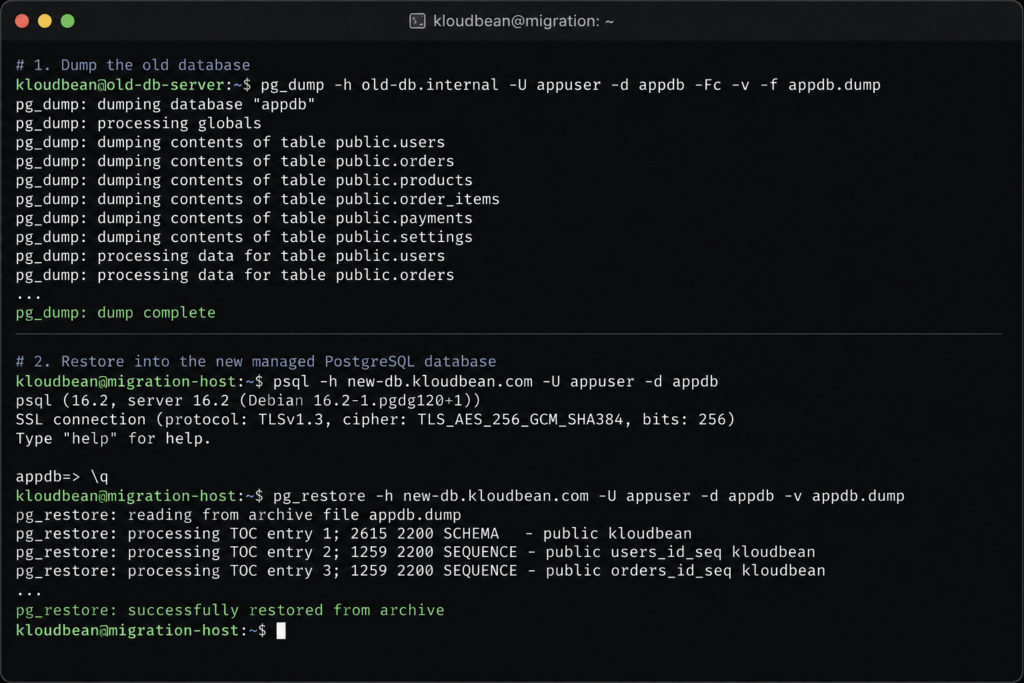
Coming from another Postgres host? Supabase, Neon, and RDS are all Postgres underneath, so a move is the standard dump and restore:
pg_dump "$OLD_DATABASE_URL" > dump.sql
psql "$NEW_DATABASE_URL" < dump.sql
Repoint DATABASE_URL, redeploy, and you’re on your own managed Postgres. If you’re leaving a platform because you want your database on infrastructure you control, that’s exactly the Supabase-alternative case, and Kloudbean’s free migration assistance can run the cutover with you.
The honest boundary, once: this is the open-source Postgres engine on a Linux stack the platform keeps patched and backed up. Managed rents you the operation, not the ownership. Your schema, queries, and data stay yours, exportable with a plain pg_dump whenever you want.
Give your ambitious new app the database it deserves.
Launch managed PostgreSQL with the extensions you need, automatic backups, and a private network — connected with one environment variable.
FAQ
Is PostgreSQL free?
The PostgreSQL software is free and open source, with no license cost to run it. Managed PostgreSQL hosting isn’t free, but what you pay for is the server and the operation around it (patching, backups, monitoring, availability), not the engine. The engine is free; running it reliably for you is the paid part.
What is managed PostgreSQL hosting?
It’s PostgreSQL provided as a ready-to-use service. The platform provisions, patches, backs up, and monitors the database, and you get a connection string to point your app at. It’s the standard open-source Postgres engine, so your SQL, tools, and app work unchanged. Only the operating of the database is handled for you.
PostgreSQL or MySQL for a new app?
For a brand-new app with no legacy pulling you toward MySQL, Postgres is the stronger default thanks to JSONB, strict data integrity, and its extension ecosystem. MySQL is an excellent choice for WordPress and the PHP world. Both are available managed, so pick the one that fits your stack, and read the full comparison if you’re genuinely torn.
Can I use PostGIS and pgvector on managed PostgreSQL?
Usually yes. Managed PostgreSQL services commonly support a curated set of popular extensions you can enable, including PostGIS for geospatial data and pgvector for AI similarity search. If your project needs a specific extension, confirm it’s supported before committing, but the mainstream ones are widely available.
What is pgvector, and why do AI apps use Postgres for it?
pgvector is a Postgres extension that stores and searches embedding vectors, the numeric representations behind semantic search and retrieval-augmented generation. AI apps like it because their application data and their embeddings can live in one Postgres database instead of a separate vector store, which is simpler to run and keep consistent.
How do I connect my app to managed PostgreSQL?
Use the connection string (usually a DATABASE_URL) the service gives you, stored as an environment variable rather than hard-coded. Most frameworks read a database URL directly, so it’s typically a one-line configuration. Keeping the string in the environment keeps credentials out of your code and easy to rotate.
What is the too many clients error, and do I need a connection pooler?
Each Postgres connection uses a server-side process and real memory, so there’s a max_connections ceiling. Many app instances or a serverless setup can exhaust it and trigger the sorry, too many clients already error. A connection pooler such as PgBouncer keeps a small shared pool of real connections and fixes it. Always-on app servers pool naturally and hit this far less than serverless.
Can I migrate from Supabase, Neon, or RDS?
Yes. Those are all standard PostgreSQL under the hood, so you export with pg_dump, restore into your managed database with psql, then repoint DATABASE_URL and redeploy. Free migration assistance can run the cutover with you, which is handy if you’re leaving a platform to get your database onto infrastructure you control.
Does managed PostgreSQL lock in my data?
No. It’s standard PostgreSQL, so your schema, queries, and data are fully portable, and you can export everything with a standard pg_dump and move it elsewhere anytime. Managed hosting operates the database for you; your data always remains yours to take.
Kloudbean · Postgres you don’t have to patch.